Overview of Which Roku Remote Works With Which TV? Roku Remote Compatibility Guide
This guide explains Roku remote compatibility with Roku TVs, detailing infrared (IR) remotes that work instantly without pairing and wireless voice remotes that require pairing. It identifies which remotes are compatible, shows how to pair voice remotes, lists common problems and fixes, warns that Roku player remotes are not compatible with Roku TVs, and recommends IR remotes for simplicity or the Roku Voice Remote Pro for premium features.
Quick Solutions to Questions related to Roku Remote Compatibility:
-
Can I use any Roku remote with any Roku TV?
No. Only Roku TV remotes and compatible voice remotes work; Roku player remotes are not compatible with Roku TVs. -
Do Roku TV remotes require pairing?
Infrared remotes do not require pairing; voice remotes require wireless pairing before use. -
How do I pair a Roku voice remote with my Roku TV?
You can pair via Settings > Remotes & Devices > Remotes > Add New Remote, or hold the remote pairing button while restarting the TV to let it auto-detect. -
Why is my Roku remote not working?
Common causes include low batteries, pairing issues, line-of-sight obstruction (for IR), or using an incompatible Roku player remote. -
What is the best replacement remote for a Roku TV?
Infrared Roku TV remotes are the best simple, reliable replacements; Roku Voice Remote Pro is the recommended premium option.
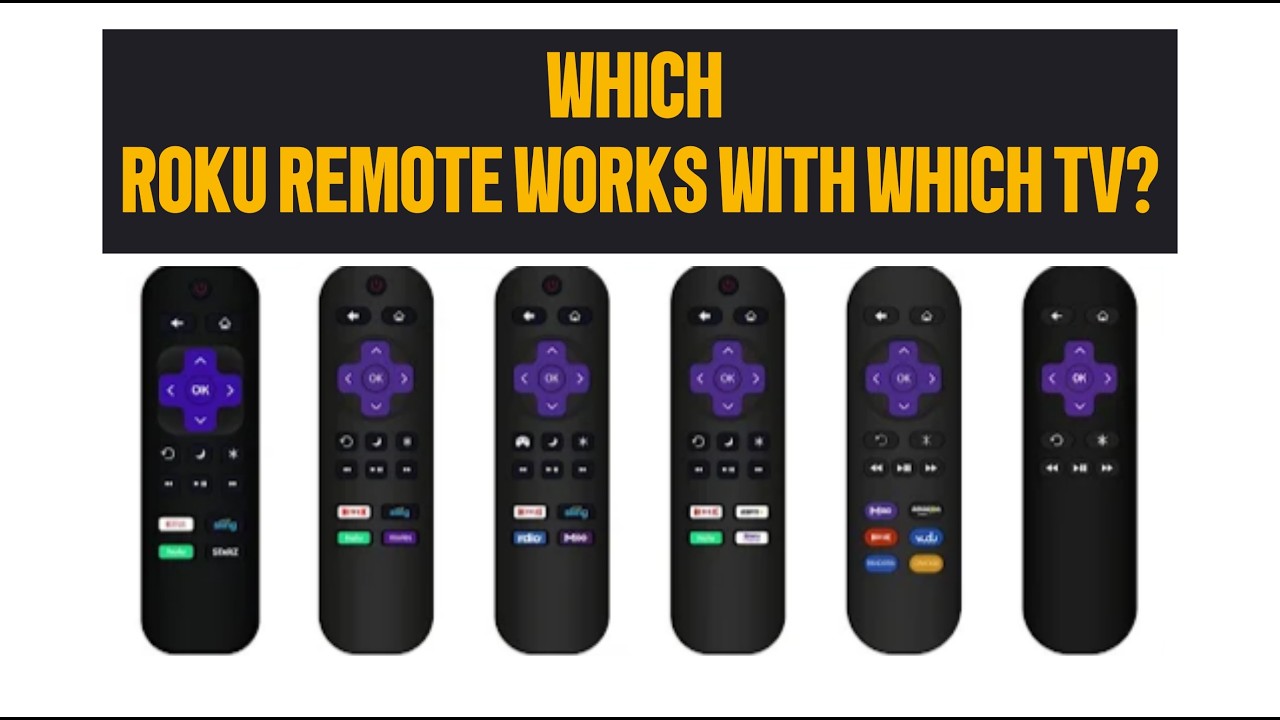
If your Roku remote stopped working or you need a replacement, understanding Roku remote compatibility with Roku TVs is essential. Not every Roku remote works with every Roku device, and choosing the wrong one can waste time and money.
This complete guide explains which Roku remotes work with Roku TVs, which ones don’t, and how to pair them properly. You’ll also learn the differences between infrared remotes and voice remotes, plus expert tips to help you choose the best replacement remote.
Understanding Roku Remote Types
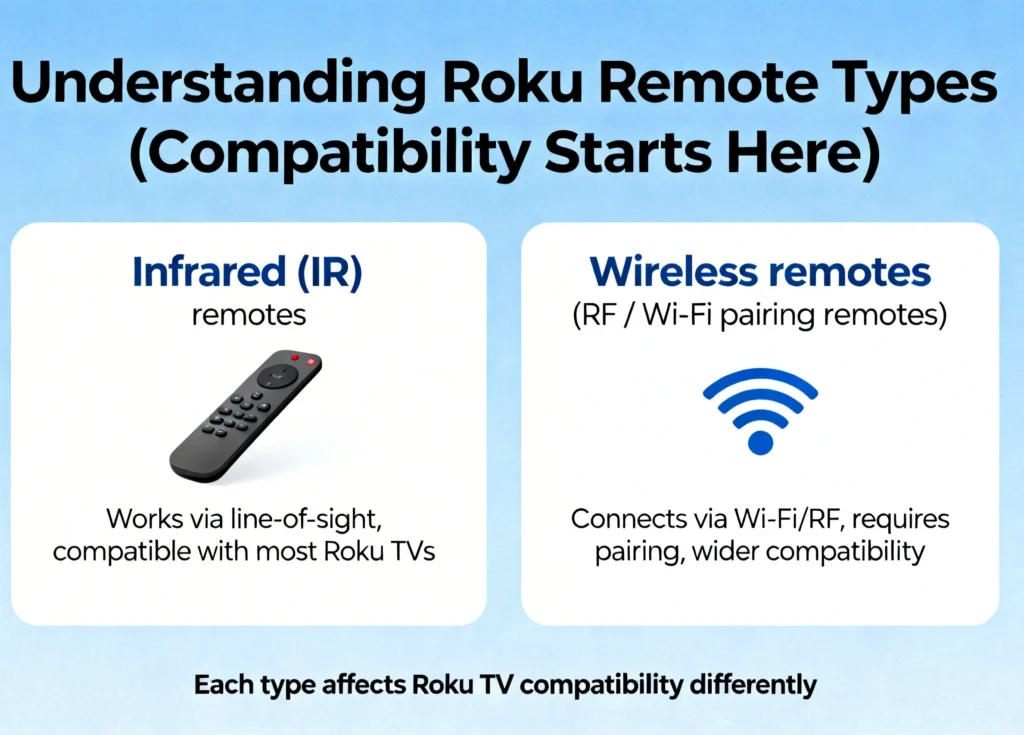
Roku remotes use two main connection technologies:
- Infrared (IR)
- Wireless (RF / Wi-Fi pairing)
Each type affects compatibility, setup, and features.
Understanding this difference is the key to choosing the correct remote.
Infrared Roku TV Remotes (No Pairing Required)
Infrared remotes are the most common and reliable option for Roku TVs.
Key Features
- No pairing required
- Instant setup
- Uses direct line-of-sight
- Works with all Roku TVs
- Lower cost replacement option
These remotes work immediately after inserting batteries. Simply point the remote at your Roku TV, and it will respond.
This makes infrared remotes ideal for quick replacements.
Roku Voice Remotes (Wireless Pairing Required)
Roku voice remotes connect wirelessly and offer additional features.
Supported Voice Remote Models
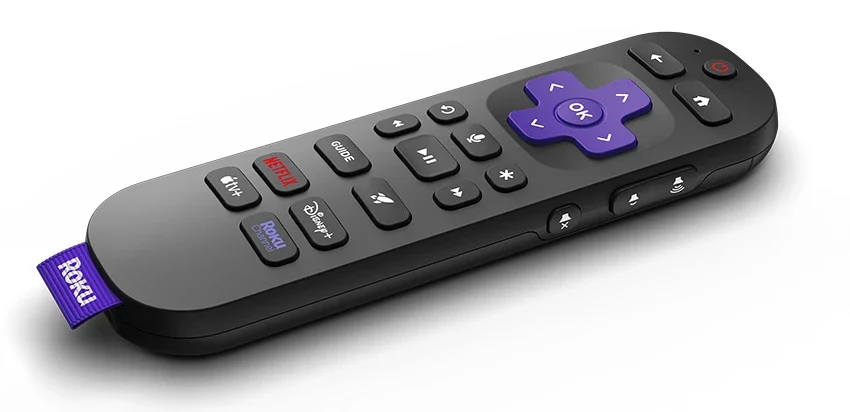
- Roku Voice Remote
- Roku Voice Remote Pro
- Enhanced Roku Remote
Key Features
- Voice search and commands
- No line-of-sight required
- Wireless connection
- Advanced control features
These remotes must be paired before use.
Which Roku Remote Works With Which TV?
The following remotes are fully compatible:
You can quickly identify your remote using these signs:
| Feature | Infrared Remote | Voice Remote |
|---|---|---|
| Pairing button | No | Yes |
| Voice control | No | Yes |
| Needs pairing | No | Yes |
| Line-of-sight required | Yes | No |
If your remote has a pairing button, it is a wireless remote.
Roku Voice Remote Pro
This premium remote supports all Roku TVs.
Features include:
- Voice control
- Rechargeable battery
- Wireless pairing
- Private listening support
To pair:
- Press and hold the pairing button on the back
- Wait for the pairing light to flash
- Follow on-screen instructions
Standard Roku Voice Remote
This remote also works with Roku TVs.
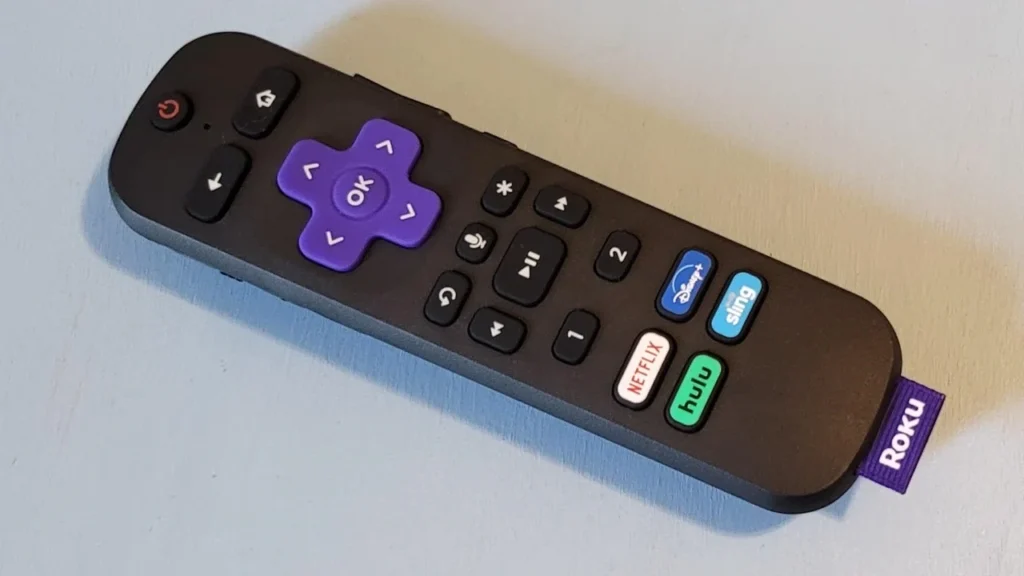
To pair:
- Press and hold the Home and Back buttons together
- Hold for 5 seconds
- Wait for pairing confirmation
Once paired, it connects automatically.
Infrared Roku TV Remote
This remote works instantly without pairing.
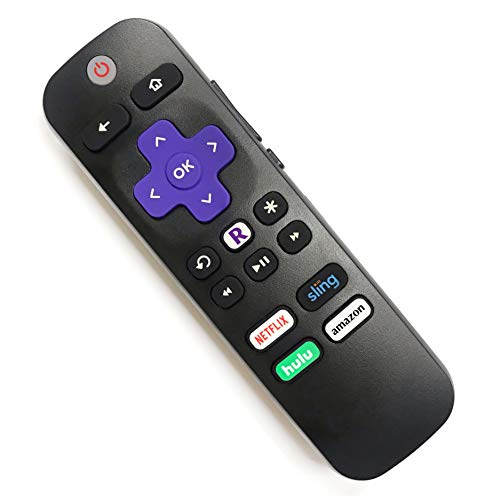
Simply:
- Insert batteries
- Point at the TV
- Start using it
This is the easiest replacement solution.
Roku Remotes That Do NOT Work With Roku TVs
This is one of the most common mistakes users make.
Roku Player Remotes Are NOT Compatible
These remotes are designed for Roku streaming devices such as:
- Roku Express
- Roku Streaming Stick
- Roku Premiere
- Roku Ultra
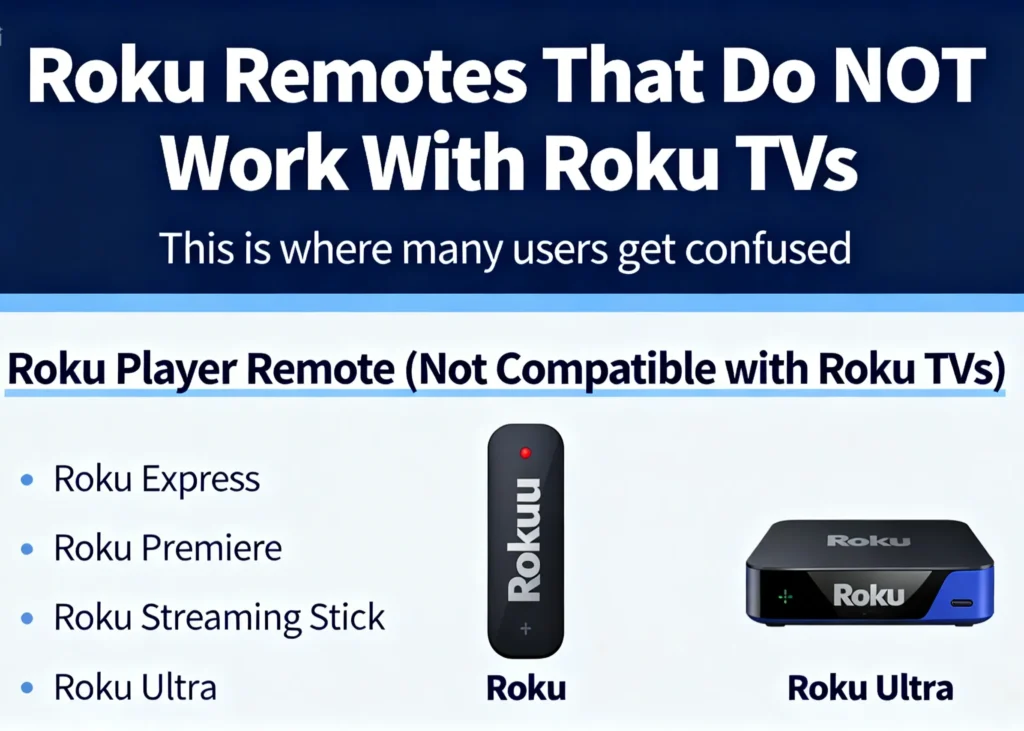
They are not designed for Roku TVs.
Even if they look identical, they will not function properly.
Always confirm the remote is labeled:
Compatible with Roku TV
Not:
Compatible with Roku Player
How to Pair Roku Remote With Roku TV
If you’re using a voice remote, follow these steps.
Method 1: Pair Using TV Settings
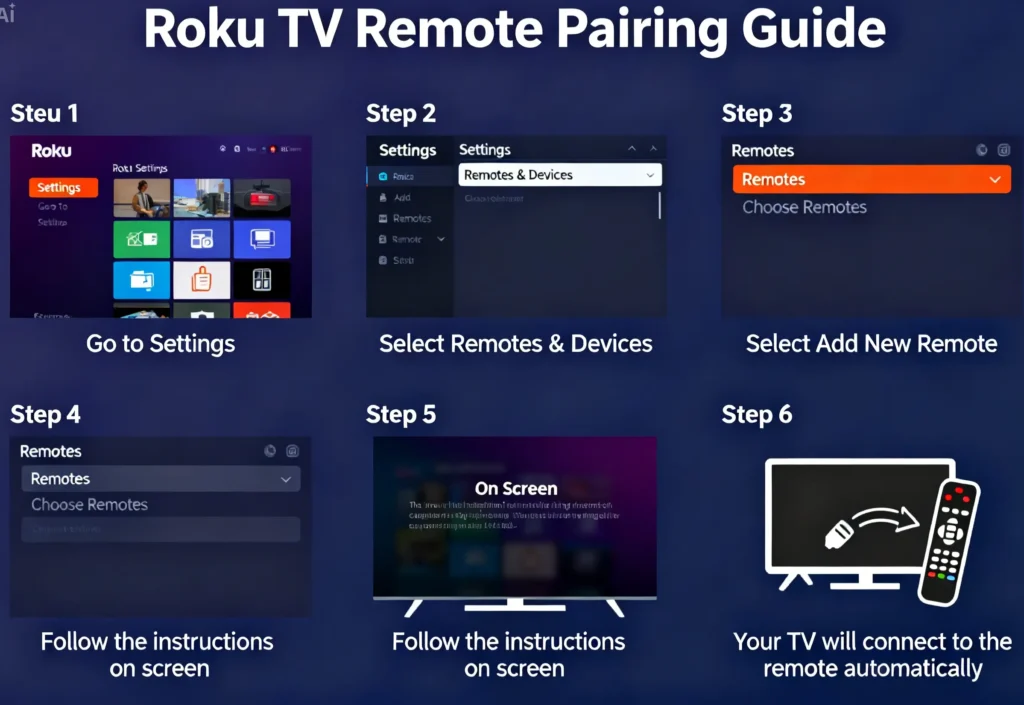
- Open Settings
- Select Remotes & Devices
- Choose Remotes
- Select Add New Remote
- Follow instructions
Pairing usually completes within seconds.
Method 2: Pair During TV Restart
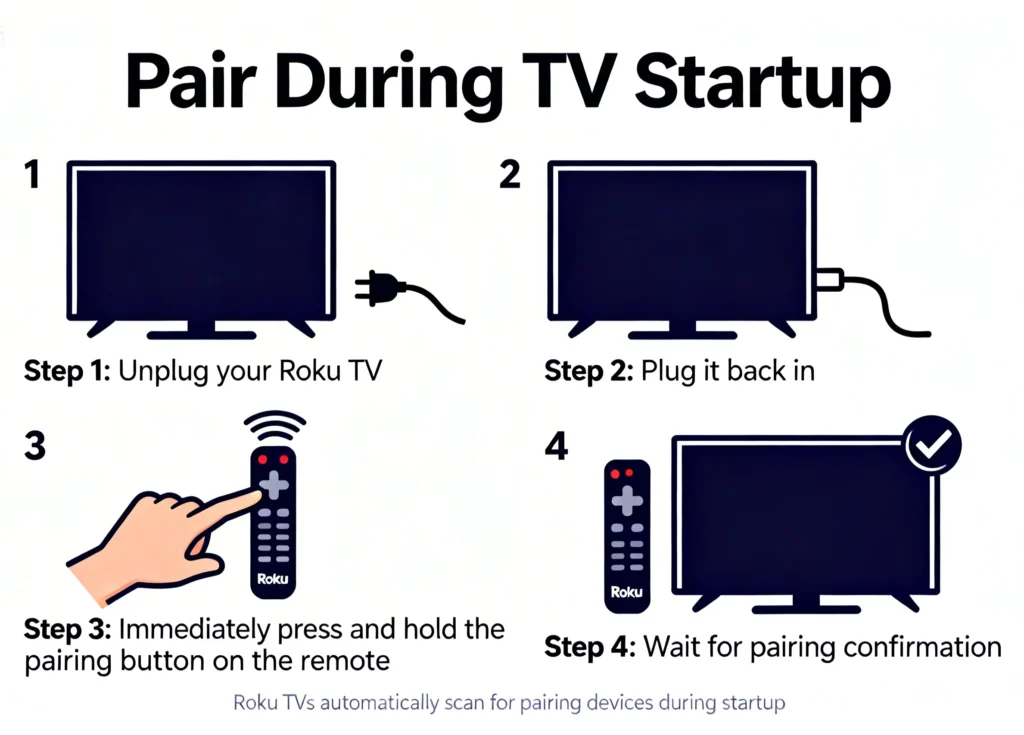
This method works without menu access.
Steps:
- Unplug the Roku TV
- Plug it back in
- Hold the pairing button on remote
- Wait for automatic connection
The TV scans for remotes during startup.
Infrared Remote Setup (No Pairing Needed)
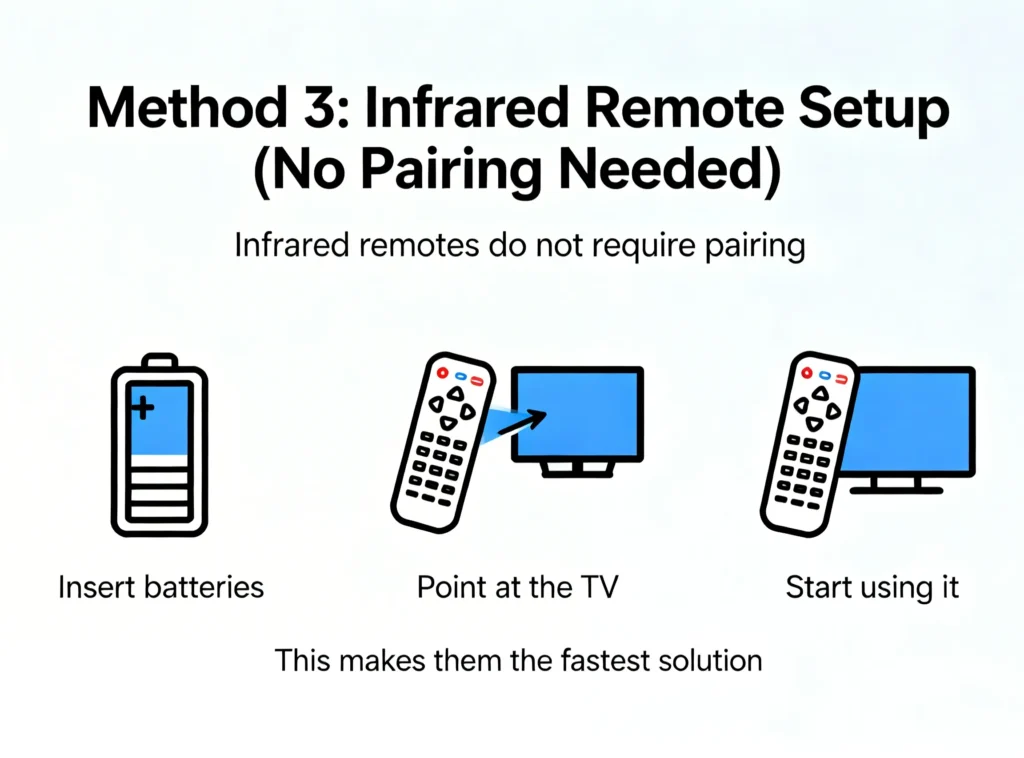
Infrared remotes do not require pairing.
Just:
- Insert batteries
- Point at TV
- Use immediately
This makes them the most convenient option.
How to Identify Your Roku Remote Type
Check these indicators:
Infrared Remote
- No pairing button
- Requires pointing at TV
- No voice features
Voice Remote
- Has pairing button
- Supports voice commands
- Works wirelessly
This helps confirm compatibility.
Common Roku Remote Problems and Fixes
Remote Not Pairing
Try:
- Replacing batteries
- Restarting the TV
- Moving closer to TV
- Holding pairing button longer
Infrared Remote Not Responding
Check:
- Line-of-sight obstruction
- Weak batteries
- Sensor blockage
Incorrect Remote Purchased
Always verify compatibility before buying.
Look for:
Compatible with Roku TV
Best Roku Remote Replacement Recommendation
The best replacement option depends on your needs.
Best Overall Choice
Infrared Roku TV Remote
Because:
- No pairing required
- Works instantly
- Affordable
- Fully compatible
Best Premium Option
Roku Voice Remote Pro
Because:
- Voice control
- Wireless operation
- Advanced features
Frequently Asked Questions
Can I use any Roku remote with any Roku TV?
No. Only Roku TV remotes and compatible voice remotes work.
Do Roku TV remotes require pairing?
Infrared remotes do not require pairing. Voice remotes do.
Why is my Roku remote not working?
Possible causes include low batteries, pairing issues, or incompatible remote type.
What is the best replacement remote for Roku TV?
Infrared Roku TV remotes are the easiest and most reliable option.
Final Verdict: Choosing the Right Roku Remote
Understanding Roku remote compatibility ensures proper functionality.
Key points:
- Infrared remotes work instantly
- Voice remotes require pairing
- Roku player remotes do not work with Roku TVs
- Always verify compatibility before purchase
Choosing the correct remote ensures reliable and hassle-free control of your Roku TV.
About The Author

Hassan Zaka
I am an expert in accounting and possess diverse experience in technical writing. I have written for various industries on topics such as finance, business, and technology. My writing style is clear and simple, and I utilize infographics and diagrams to make my writing more engaging. I can be a valuable asset to any organization in need of technical writing services.
Follow Us:LinkedinTwitter