Overview of Homekit Coffee Maker
You can make a non-smart coffee maker HomeKit-compatible by plugging it into a HomeKit-enabled smart plug. Choose a simple on/off coffee maker (e.g., Mr. Coffee 12-Cup, Amazon Basics 5-Cup, BLACK+DECKER 5-Cup) and a HomeKit smart plug (e.g., Eve Energy, iHome ISP6X, Meross Smart Plug). Set up the smart plug, plug in the coffee maker, set the machine switch to on, fill with water and grounds, then use Siri or automations to power the smart plug and start brewing.
Quick Solutions to Questions related to Homekit coffee maker:
-
How can I make a non-smart coffee maker HomeKit compatible?
Plug a coffee maker that uses a simple on/off switch into a HomeKit-enabled smart plug and control the plug with HomeKit or Siri. -
What coffee makers work well with a smart plug setup?
The article suggests simple models like the Mr. Coffee 12-Cup, Amazon Basics 5-Cup, and BLACK+DECKER 5-Cup coffeemakers. -
Which smart plugs are recommended for turning a coffee maker into a HomeKit device?
Recommended HomeKit-capable plugs include Eve Energy, iHome ISP6X Wi-Fi Smart Plug, and Meross Smart Plug Mini. -
What are the basic steps to set up a smart plug with a coffee maker?
Set up the smart plug, plug in the coffee maker, ensure the plug is off, set the coffee maker switch to on, fill water and grounds, then use Siri to turn the plug on. -
Can I schedule my coffee maker to brew automatically using a smart plug?
Yes; smart plugs like Eve Energy and Meross support built-in schedules to automatically switch devices on and off.
Well, you all know that there is still not a single coffee machine on the market that has been incorporated with the home kit, but don’t be so depressed, because you can still make your coffee machine compatible with your home kit.
And how you can make it Homekit coffee maker. There’s a simpler way to get that sweet, sweet smart coffee maker you’ve always wanted! If all you’re after is a coffee pot that brews coffee when you issue a command especially from Siri, you might consider buying a non-smart coffee maker and a smart plug for just over $20. It’s simple, it’s elegant, and it’s likely to cost a lot less than the other options available to you.
You’ll need to start with a coffee maker that functions via a simple on/off switch. Pair that with a smart plug, and you’ve got what amounts to a smart coffee maker without all the extra fuss.
A quick guide on getting things set up how you’d want them are in the later section, first you have to choose the best non-smart coffee maker and a smart plug.
Mr. Coffee 12-Cup Coffee Maker
Price: view availability on Amazon
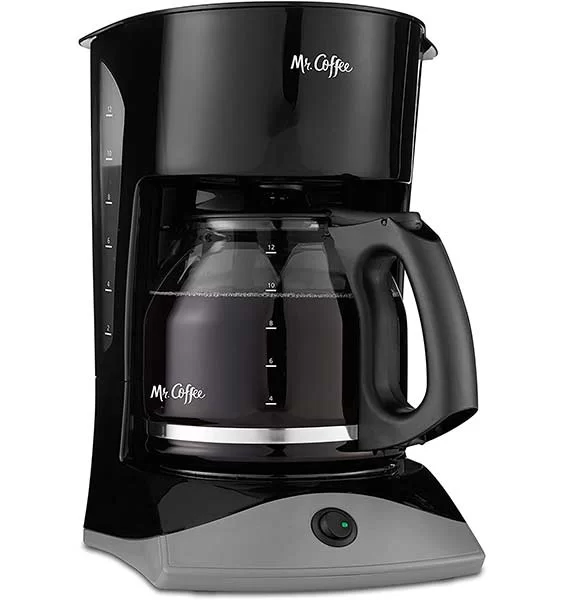
Features
- Dual Water Window
- Lift & Clean Filter Basket
- Power On/Off Indicator Lights
- Grab-A-Cup Auto Pause
Amazon Basics 5-Cup Coffeemaker with Glass Carafe
Price: view availability on Amazon
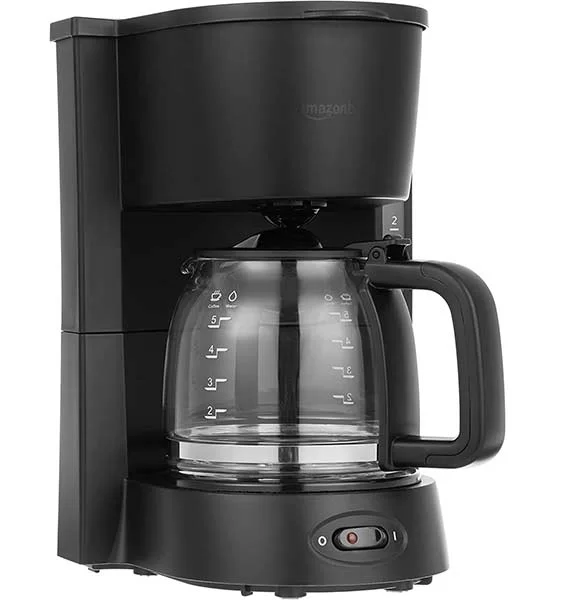
Features
- Space-saving 5-cup coffeemaker brews up to 5 cups at a time
- Pour a cup mid-brew, then keep coffee warm while you finish your drink
- Removable filter basket and reusable filter
- Carafe is hand wash only
- Backed by an Amazon Basics limited one-year warranty
- Reusable Filter
BLACK+DECKER 5-Cup Coffeemaker
Price: view availability on Amazon
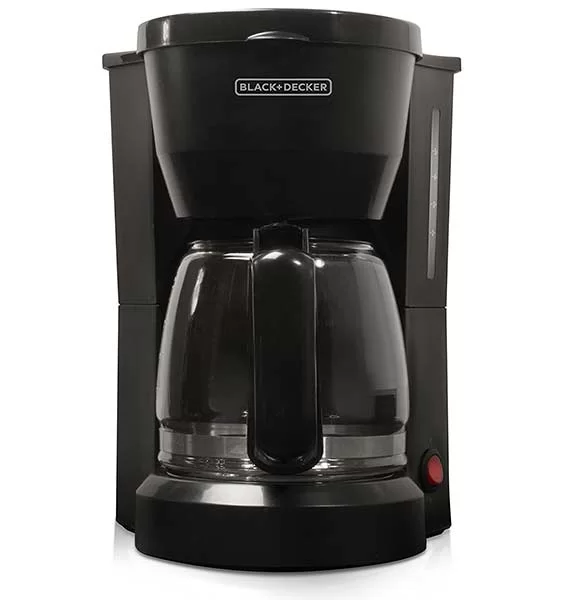
Features
- The reinforced Duralife carafe is built to last
- Cleanup is easy with the dishwasher-safe filter basket, which is compatible with basket-style paper filters
- The nonstick carafe plate keeps coffee warm for an hour after brewing is complete
- Water Window
- Lighted On/Off Switch – Just one simple button to start and stop the coffee maker
Want To Get Best coffee machine at a very affordable prices
Let’s buy a plug which turn them into smart Homekit coffee maker.
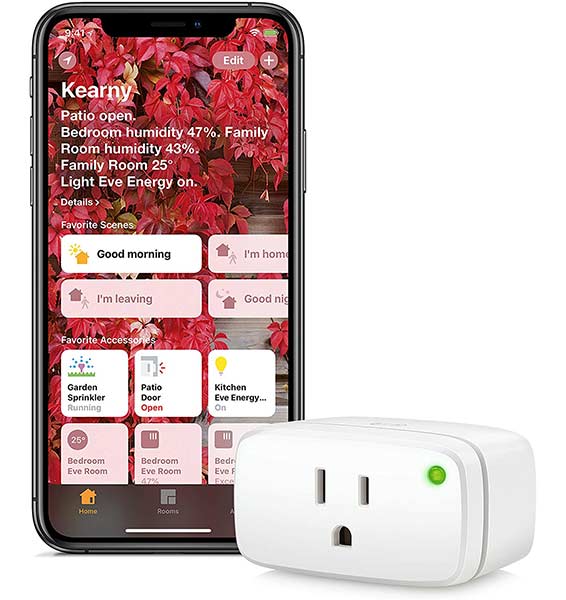
Eve Energy
Price: view availability on Amazon
Features
- Switch your appliances on and off with a simple tap or Siri voice command
- Use built-in schedules to automatically switch devices
- See how much power your connected appliances are using
- HomeKit-enabled for unparalleled ease of use and advanced security
- Set up easily thanks to a direct connection via Bluetooth low energy technology – no bridge or gateway required
iHome ISP6X Wi-FI Smart Plug
Price: view availability on Amazon
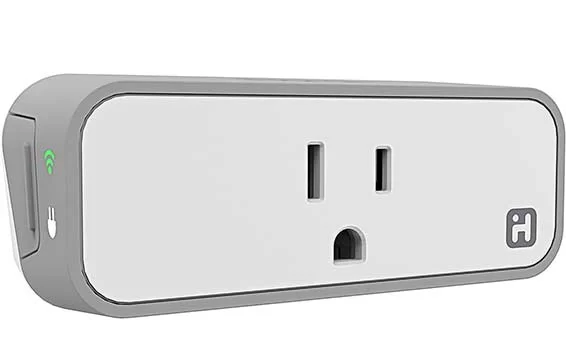
- Broadest smart home platform support, compatible with – Alexa, Google assistant, Apple home kit, IFTTT, SmartThings, Nest, wink
- Wi-Fi enabled wall plug lets you control small appliances using 1800 watts or under, great for controlling lights, window air conditioners, fans, portable heaters, coffee makers, home audio systems and more
- 24/7 control and notifications with iHome’s highly secure and encrypted data and privacy protection.
- Slim design fits into any standard 120 vac outlet, leaving second outlet free, or plug in two smart plugs
- Home Kit compatibility: controlling this home kit-enabled accessory requires an iPhone, iPad, or iPod touch with iOS 9. 0 or later. Control your smart plug away from home. Controlling this home kit-enabled accessory away from home requires an Apple TV (3Rd generation or later) with Apple TV software 7. 0 or later and an iPhone, iPad, or iPod touch with iOS 9. 0 or later
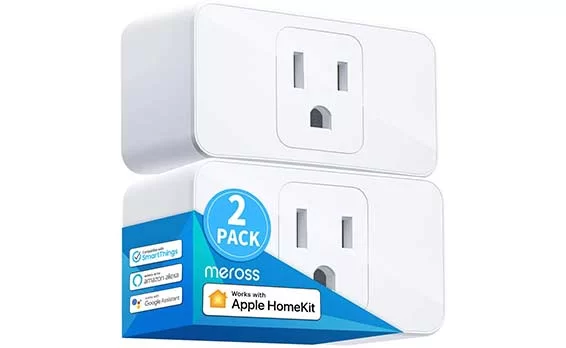
Meross Smart Plug Mini, 16A
Price: view availability on Amazon
Features
- Wi-Fi Socket Outlet Compatible with Amazon Alexa, Apple HomeKit and Google Assistant
- Preset schedules to automatically turn on and off any home Electronics such as lights, fans or coffee machine with meross smart socket. With timer function, you can also prevent from overcharging and overheating to keep your electricity safe, and reduce energy use
- Preset schedules to automatically turn on and off any home Electronics such as lights, fans or coffee machine with meross smart socket
- With timer function, you can also prevent from overcharging and overheating to keep your electricity safe, and reduce energy use
- Schedule ON/OFF to Automate Your Home; Control Devices Simultaneously; Monitor Power Consumption; Automate HomeKit-enabled Accessories
Here is a Guideline of How To Setup smart plug for coffee maker
- Set up your smart plug.
- Plug your coffee maker into the smart plug.
- Make sure your smart plug is turned off.
- Turn the switch on your coffee maker to the on position.
- If your coffee maker turns on, you need to repeat Step 3.
- Fill your coffee maker with the desired amount of water and coffee grounds.
- Walk away.
- Ask Siri, Alexa, the Google Assistant, your hand, etc. to turn on the smart plug.
- Listen and smell while your coffee maker starts cooking up a batch o’ brew.
About The Author

Hassan Zaka
I am an expert in accounting and possess diverse experience in technical writing. I have written for various industries on topics such as finance, business, and technology. My writing style is clear and simple, and I utilize infographics and diagrams to make my writing more engaging. I can be a valuable asset to any organization in need of technical writing services.
Follow Us:LinkedinTwitter