Overview of How To Sync Firestick Remote To Tv
Most Firestick users struggle to pair a replacement or new remote. This article provides a simple step-by-step pairing method: unplug the Firestick for 12 seconds, plug it back in, wait for the Home screen (~60 seconds) plus ~40 seconds, then press and hold the Home button on the remote for 10 seconds (aim at the Firestick, with good batteries). If the remote lacks a light feature, wait 30–40 seconds for the pairing popup. Sometimes repeat attempts are needed.
Quick Solutions to Questions related to Sync Firestick Remote to TV:
-
How do I sync a new Firestick remote to my TV?
Unplug the Firestick for 12 seconds, plug it back in, wait for the Home screen (~60 seconds) plus ~40 seconds, then press and hold the Home button on the remote for 10 seconds while aiming at the Firestick. -
Can I pair a replaced Firestick remote the same way?
Yes, the same process applies for a new or replaced Amazon Firestick remote. -
What if my remote has no light feature?
If the remote lacks a light feature, wait 30 to 40 seconds on the Home screen for a popup indicating the remote has connected. -
How long should I wait before pressing the Home button to pair?
Wait until the Home screen appears (about 60 seconds) and then wait an additional ~40 seconds before pressing and holding the Home button. -
What if the remote does not pair on the first try?
Users report sometimes needing to repeat the process more than once to successfully sync the remote.
Most of the users of amazon Firestick having a difficulty of how to sync Firestick remote to tv, so here I am going to tell you how can you sync Firestick remote easily with following a few moves.
On the amazon instruction available online didn’t explain everything about syncing, therefore users facing difficulties relevant to this particular matter.
However, if you want to pair/connect and don’t know exactly what to do here is a full overview article of each and everything.
Here is the steps of how to sync Firestick remote to tv
This process is valid for new remote, replaced amazon Firestick remote.
Steps
First, unplug your Firestick and wait for exactly 12 sec.
And then plug back in.
Wait for the Firetv stick to get to the home screen, normally it takes 60 sec.
After getting on to the home screen wait about 40 sec more before doing the next step.
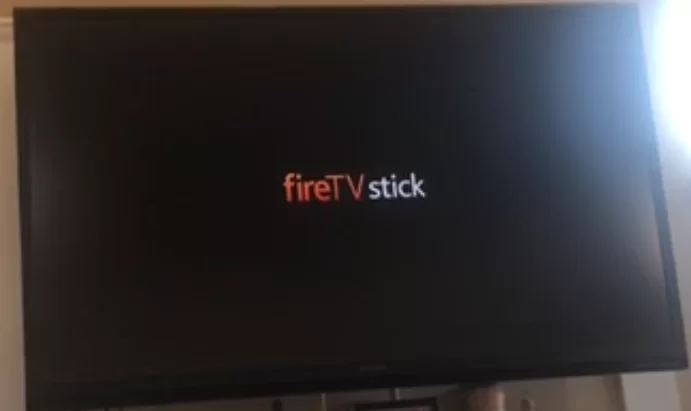
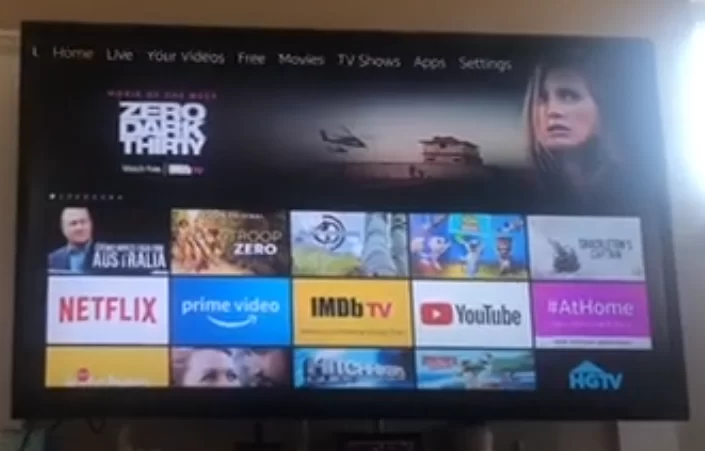
And then Tap the home button on the remote and hold it and wait for 10 sec (make sure the remote batteries are good and aim the remote not at your tv, but at Firestick).
Note: if you don’t have light features remote then wait 30 to 40 seconds before a pop up flash on a big screen and says your firestick remote has connected.
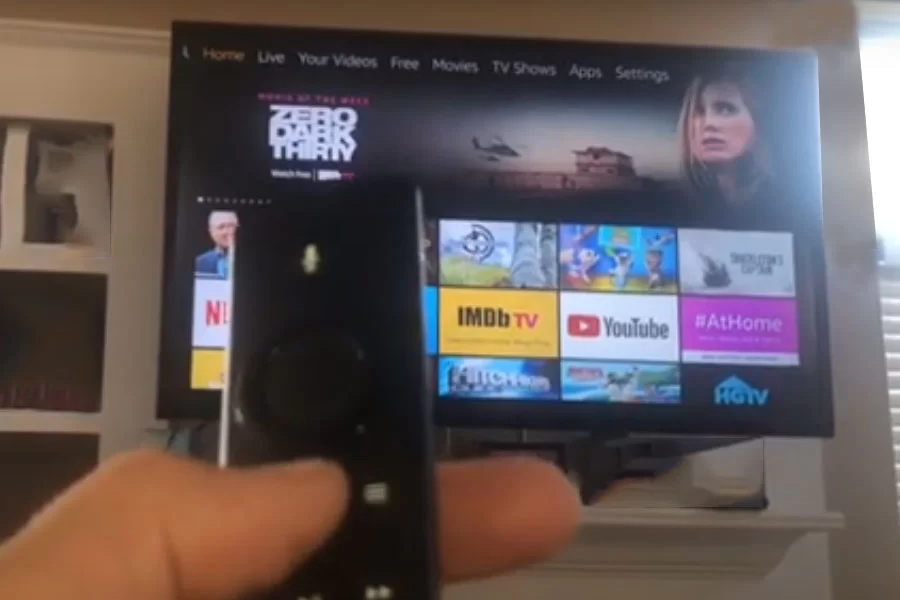
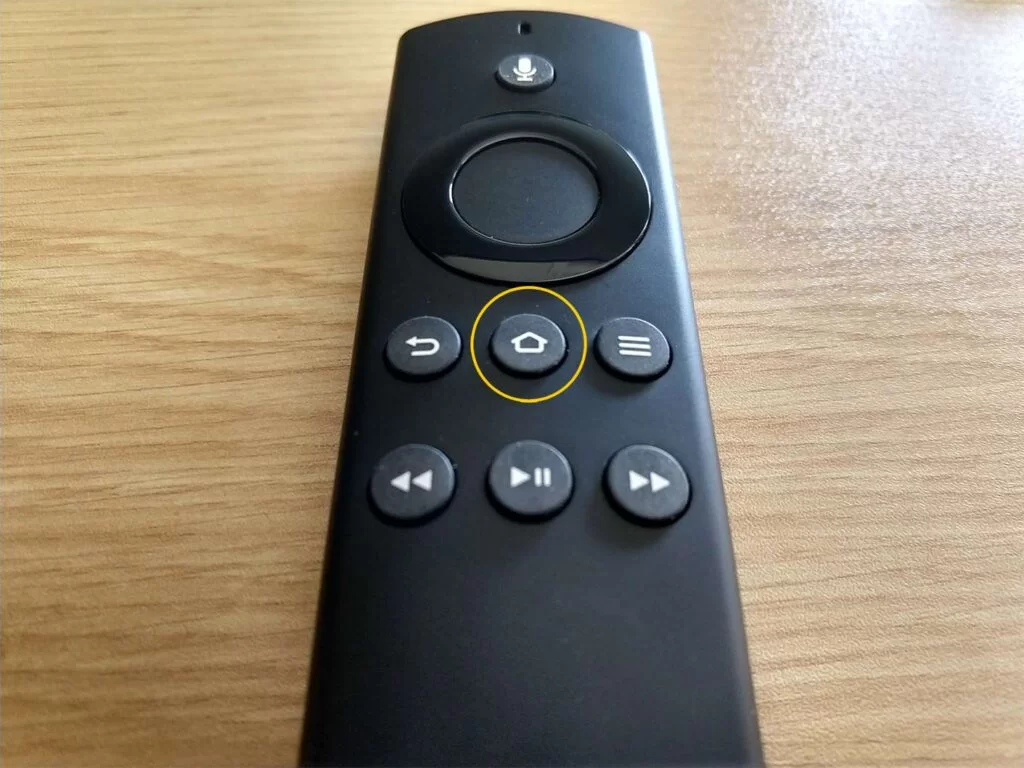
Sometimes you have to wait for more than 10 sec until you hear the sound click.
Done (synced).
Note: Usually it will be done in one go, but according to users they said you have to go through this process more than once.
Smart Home: Tv Control Setup with Amazon Alexa
Smart Home: Some of Alexa Tricks for Amazon Echo that you may don’t know?
About The Author

Hassan Zaka
I am an expert in accounting and possess diverse experience in technical writing. I have written for various industries on topics such as finance, business, and technology. My writing style is clear and simple, and I utilize infographics and diagrams to make my writing more engaging. I can be a valuable asset to any organization in need of technical writing services.
Follow Us:LinkedinTwitter